How to improve your TV's picture quality: the hidden HDMI setting
Many modern TVs do not reach their full potential due to a disabled HDMI Deep Color feature. Learn how to configure your device for better color reproduction.
 💡Tech
Photo: UNIAN
Key points
- Activating HDMI Deep Color improves color depth
- Settings must be checked for each port individually
- Feature names vary by TV brand
Many modern Smart TV owners face the issue of dull picture quality, even if their device supports HDR technology. Often, the cause is not a technical fault, but rather software settings for the HDMI port that may be inactive by default.
What is HDMI Deep Color and why it matters
The HDMI Deep Color feature allows the TV to receive a signal with a higher color depth—10 or 12 bits instead of the standard 8. This helps avoid harsh transitions between shades and significantly increases the realism of images in movies and video games. The technology expands the color gamut from millions to billions of shades.
How to check your TV settings
If you notice that 4K content does not look vibrant enough, you should check your input signal settings. The name of the option may vary depending on the manufacturer:
- LG: HDMI Deep Color or Ultra HD Deep Color.
- Samsung: HDMI UHD Color or "Input Signal Plus".
- Sony and others: "Enhanced format".
It is important to remember that this procedure must be performed for each HDMI port separately, where your devices, such as game consoles or streaming boxes, are connected.
Source UNIAN — unian.ua/techno/gadgets/shcho-take-hdmi-deep-color-i-chomu-cyu-funk… ↗
Read next
 🏙️City
Donald Trump announces work on expanding ceasefire between Ukraine and Russia
US President Donald Trump announced preparations for a more comprehensive ceasefire following a successful humanitarian evacuation in the Kherson region.
 👥Society
Digital Minimalism: Which Old Cables Are Worth Keeping
Before seasonal cleaning, experts advise against discarding all old accessories, as some remain essential for modern devices.
 🚌Transport
Attack on Zaporizhzhia: Children Injured and DniproHES Traffic Suspended
A recent attack on Zaporizhzhia left three civilians injured, including two children, and led to the temporary closure of the DniproHES dam and major bridges.
 🎭Culture & Sport
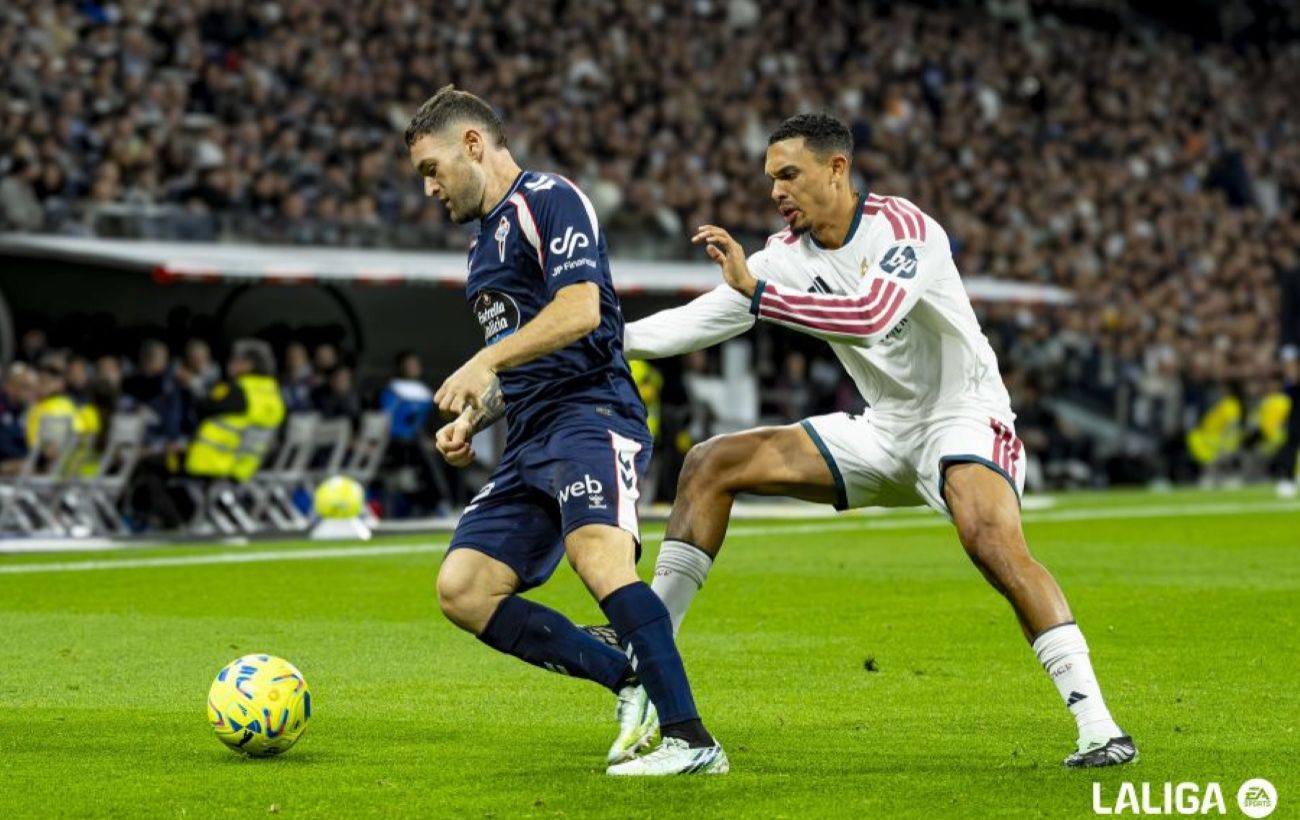
Real Madrid secures comeback victory against Celta Vigo in La Liga
Real Madrid overcame an early deficit and a missed penalty to claim a 2-1 win in the 13th round of the Spanish championship.
 🏛️Politics
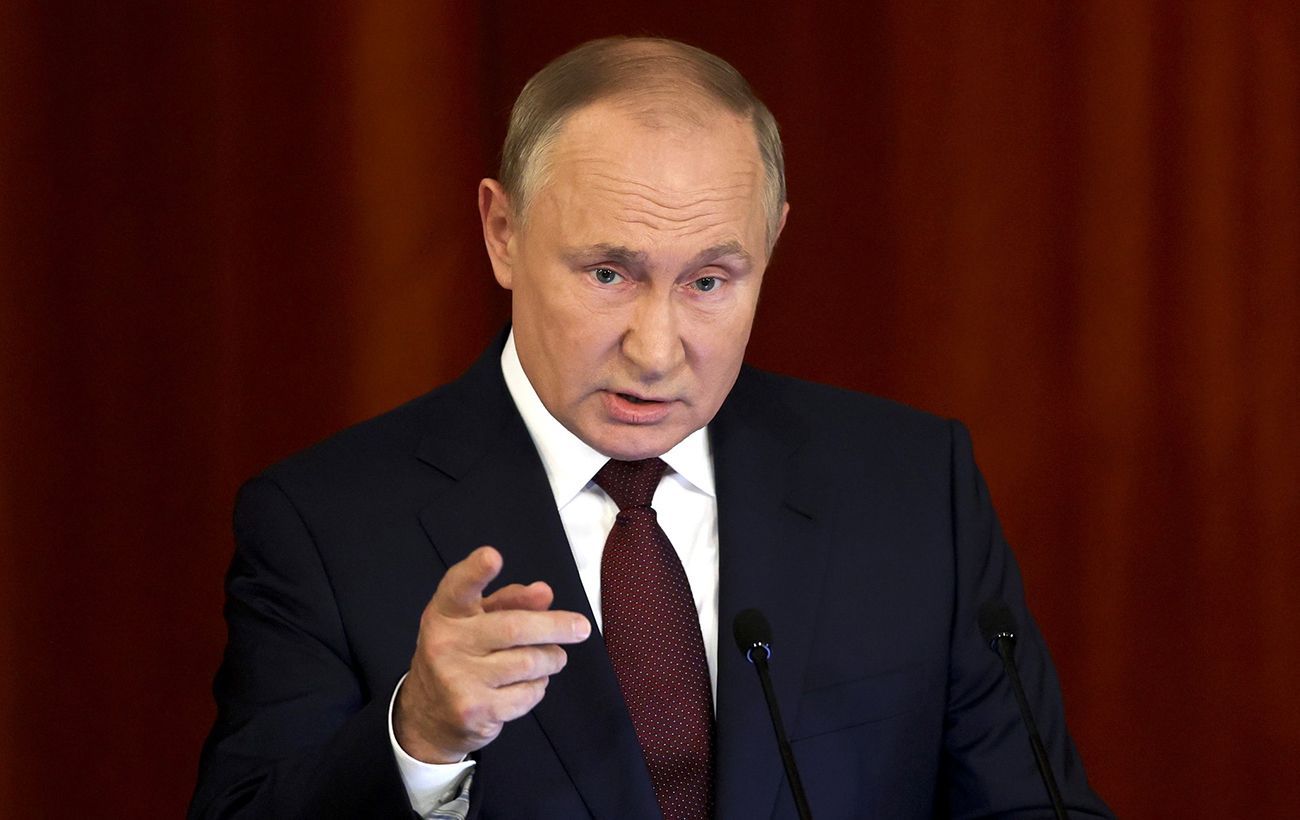
Kremlin renews ultimatums regarding Ukraine's NATO accession
Russian authorities have returned to their 2021 demands, insisting on blocking Ukraine's Euro-Atlantic integration and revising European security architecture.
 🧠AI Analysis
Explosions in Kaliningrad Region: Experts Point to Potential Provocation
Military expert Oleksandr Kovalenko has questioned the authenticity of reports regarding drone attacks on a Russian naval base, suggesting a possible provocation.